AI CLINIC RECEPTION
Give Your Clinic an Intelligent Digital Receptionist
Iraq Clinic Reception AI is built for clinic administration, not diagnosis. It handles service discovery, doctor information, patient intake, appointment requests, changes and human handoff while keeping medical safety boundaries in place.
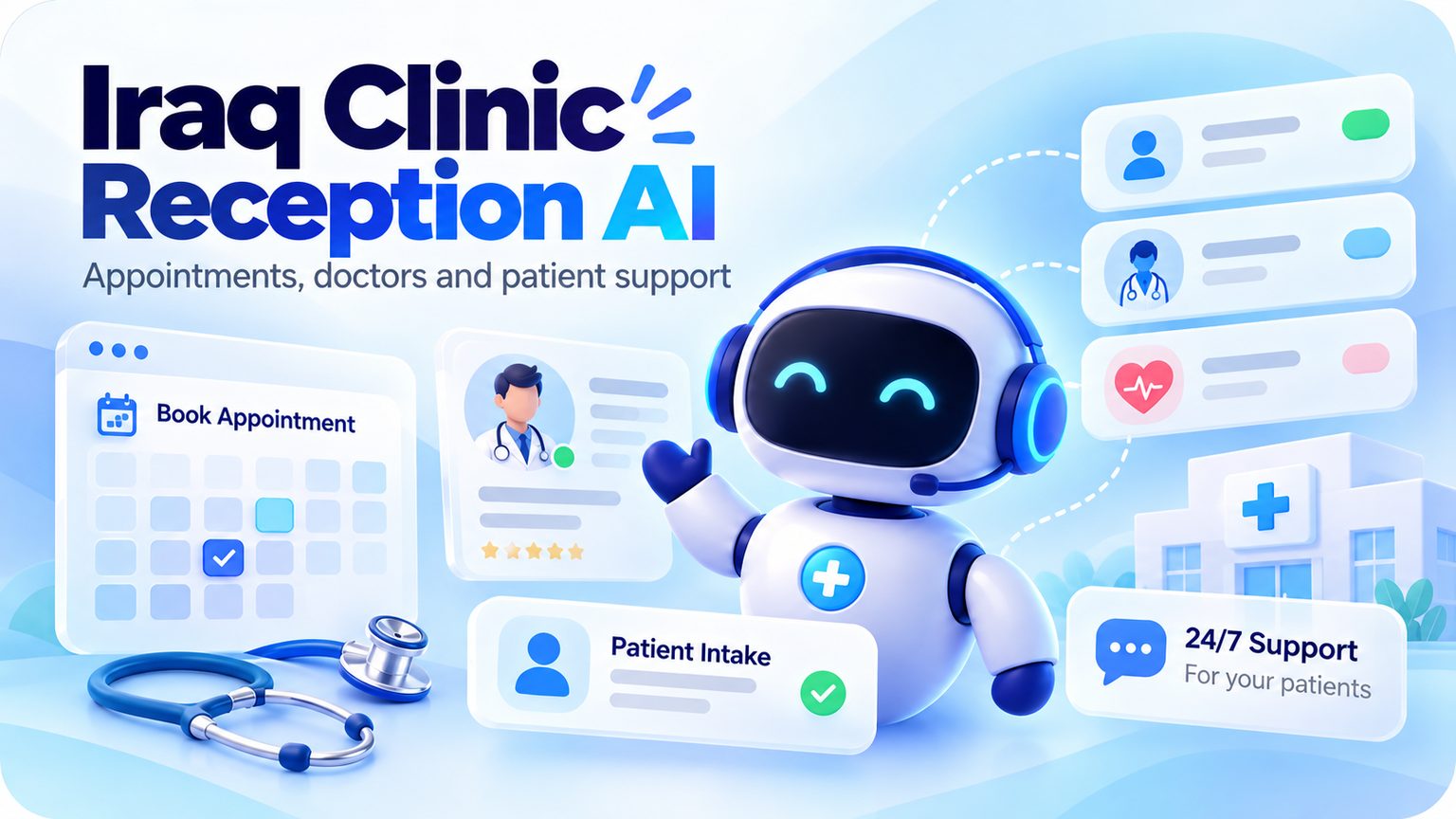
What this AI solution does
Iraq Clinic Reception AI
Clinic service lookup
Configured doctor lookup
Patient contact capture
Appointment request creation
Reschedule and cancellation requests
Urgent human escalation
Dedicated clinic database
Medical-safety boundaries
How it works
A complete workflow, not a single chatbot prompt
Understand the patient request
The assistant identifies the service, doctor or appointment need without attempting diagnosis.
Use configured clinic data
Services, prices and doctor details come from the clinic's configured data.
Create the request
Appointment requests are recorded for confirmation rather than falsely presented as confirmed bookings.
Protect the patient
Urgent or clinically uncertain conversations are directed to appropriate human care.
What it changes for your team
Move repeatable work to AI while keeping control with your team
Reduce reception workload
Answer service and doctor questions instantly
Capture appointment requests consistently
Keep clinical decisions with professionals
This template is designed for reception and administrative workflows. It does not diagnose, prescribe medication, or replace a medical professional.
Ready-to-use NewAge template included
Iraq Clinic Reception AI
This solution is not just a concept page. It is connected to a real NewAge template with prebuilt agent logic, workflows and operational actions.
Open templateCustomize it for your business
Keep the architecture. Change the business.
After installing, replace the client-specific configuration: business data, policies, services, prices, handoff destination and branding. The workflow structure stays ready to use.